AI-Powered CAD
for FreeCAD
Describe parts in plain English. Conjure builds them in FreeCAD—complex assemblies, articulating mechanisms, and precision components, all from conversation.
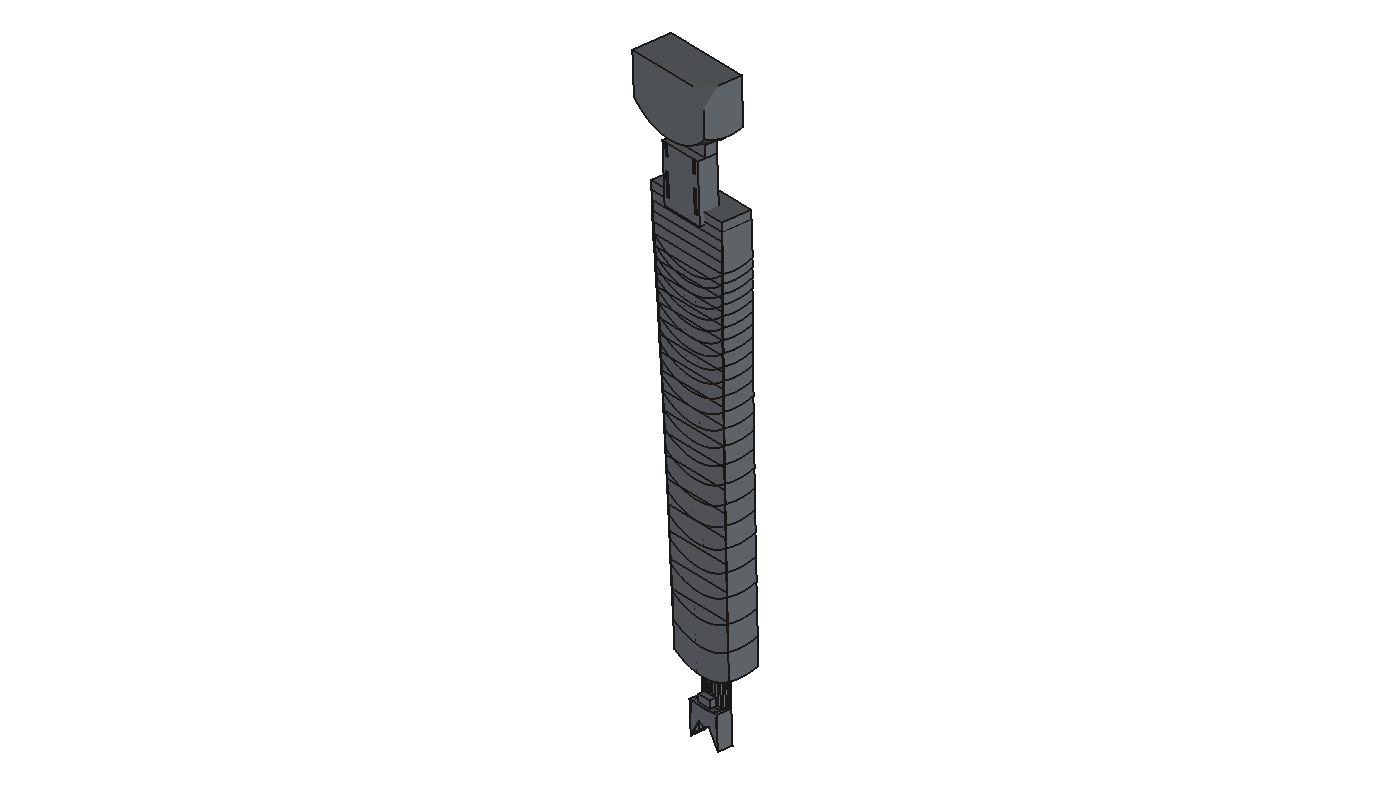
Describe Your Part
Tell Claude, ChatGPT, or any MCP-compatible AI what you want to build.
Conjure Builds It
The AI uses Conjure's MCP tools to create geometry directly in FreeCAD.
Iterate and Export
Refine your design conversationally, then export to STL, STEP, or 3MF.
Design Complex Parts Conversationally
Conjure bridges AI assistants and FreeCAD through the Model Context Protocol (MCP).
Full CAD Operations
Primitives, booleans, fillets, chamfers, extrusions, sweeps, lofts—all accessible through natural language.
50+ CAD operations available.
Works With Any AI
Claude, ChatGPT, Cursor, Windsurf—any tool that supports the Model Context Protocol.
Open MCP standard.
Geometry Validation
Built-in checks for interference, clearance, and geometry validity before you export.
Catch issues before manufacturing.
Built With Conjure
Real designs created through AI-assisted conversation—from individual components to complex multi-part assemblies.
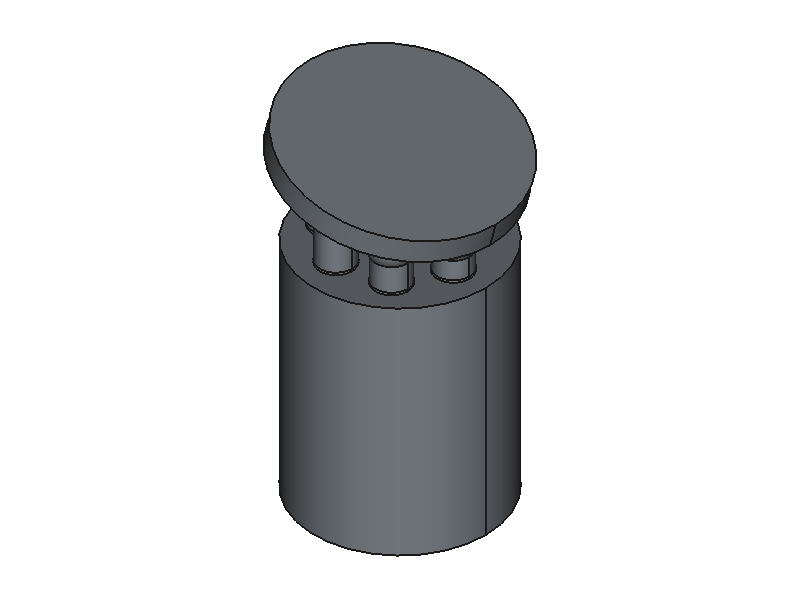
Axial Piston Pump
7-piston cylinder block with 15° swash plate and spherical ball joints.
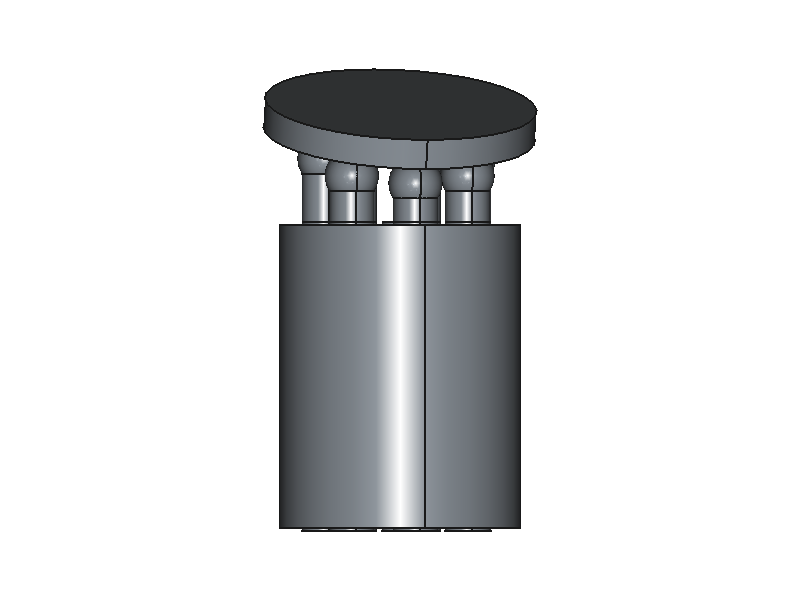
Swash Plate Kinematics
Piston heights auto-calculated from tilted driver plate surface geometry.
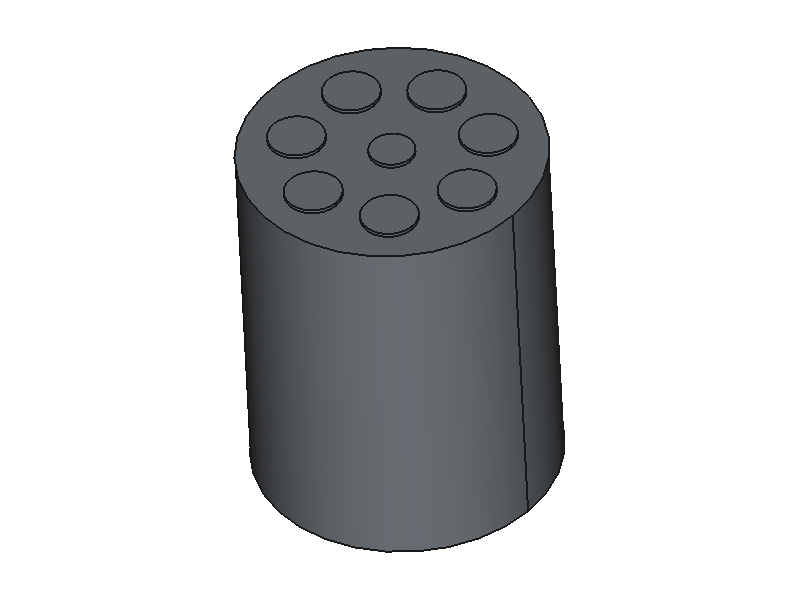
Cylinder Block
Precision bore pattern with central driveshaft hole and 7 piston bores.
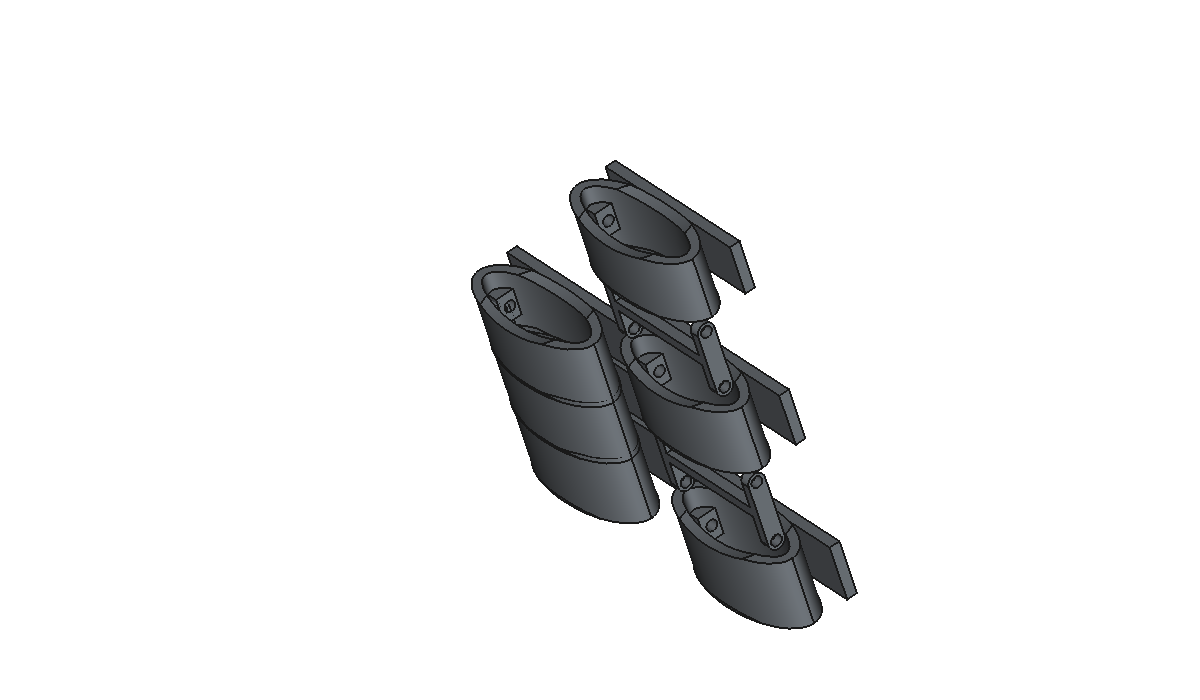
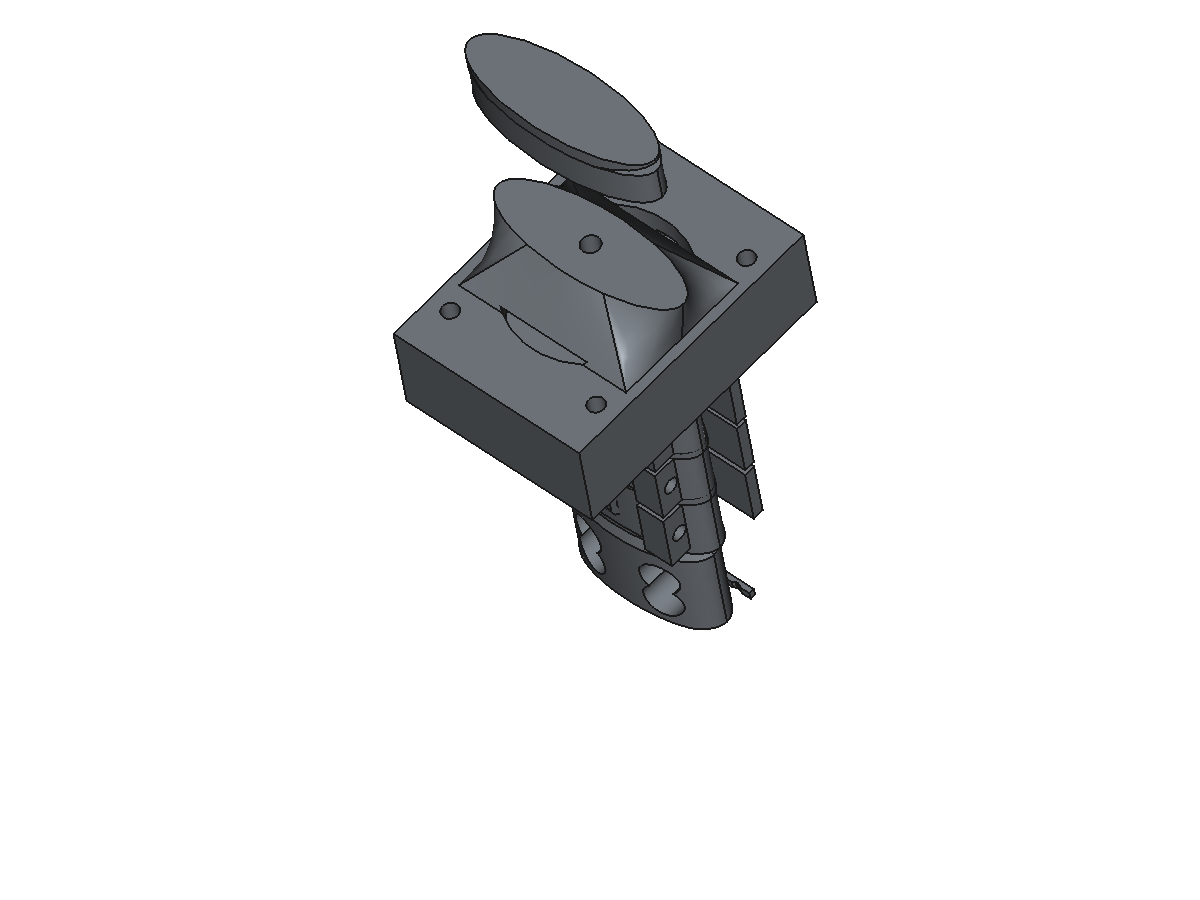
Articulating Vertebrae
Multi-segment chain with ball-socket joints and interlocking geometry.
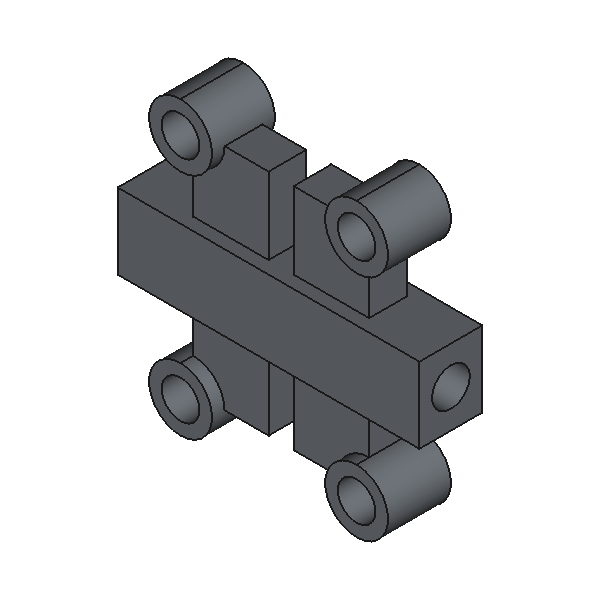
Scissor Linkage
Precision pivot mechanism with clearance-checked joints.
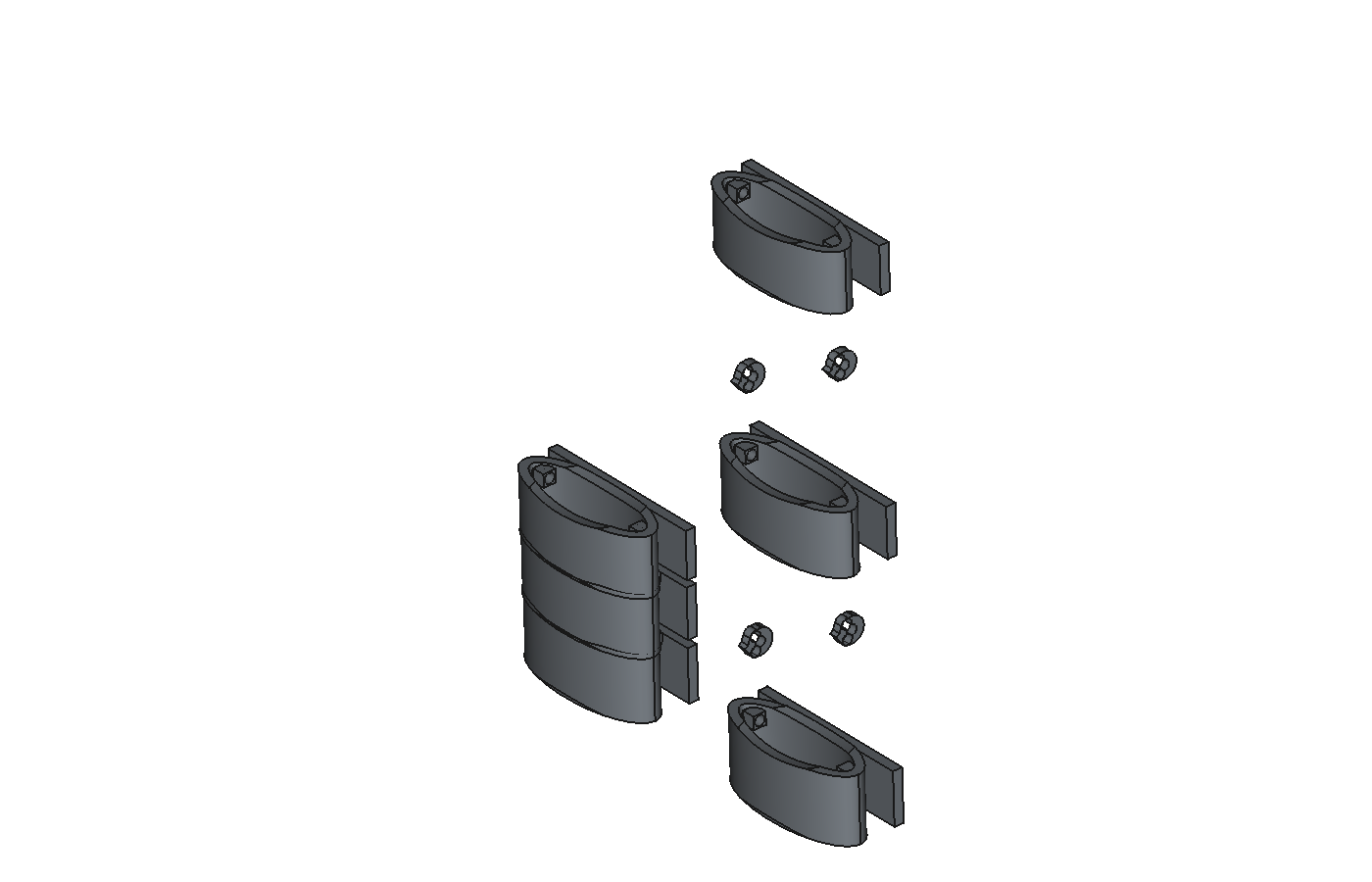
Exploded Assembly
Component breakdown for documentation and manufacturing.
Frequently Asked Questions
How does Conjure work?
Conjure is an MCP server that connects AI assistants to FreeCAD. When you describe a part, the AI calls Conjure's tools (create_box, boolean_cut, create_fillet, etc.) which execute directly in FreeCAD. Your designs stay 100% local.
Which AI assistants are supported?
Any tool that supports the Model Context Protocol (MCP): Claude Desktop, Claude Code, Cursor, Windsurf, ChatGPT Desktop, and the OpenAI Agents SDK.
Do I have to upload my designs?
Never. Conjure runs locally alongside FreeCAD. The only server communication is API key validation and usage metering. Your geometry never leaves your machine.
What if I hit my 100 operations limit?
You get a notification. Upgrade anytime, or wait until next month. No auto-billing surprises.
Can I use Conjure offline?
The MCP server and FreeCAD plugin run locally. You need internet for API key validation and the AI assistant itself, but the CAD operations execute entirely on your machine.
Ready to build?
Get started with 100 free operations per month. No credit card required.